A rowing computer for your iPad and iPhone
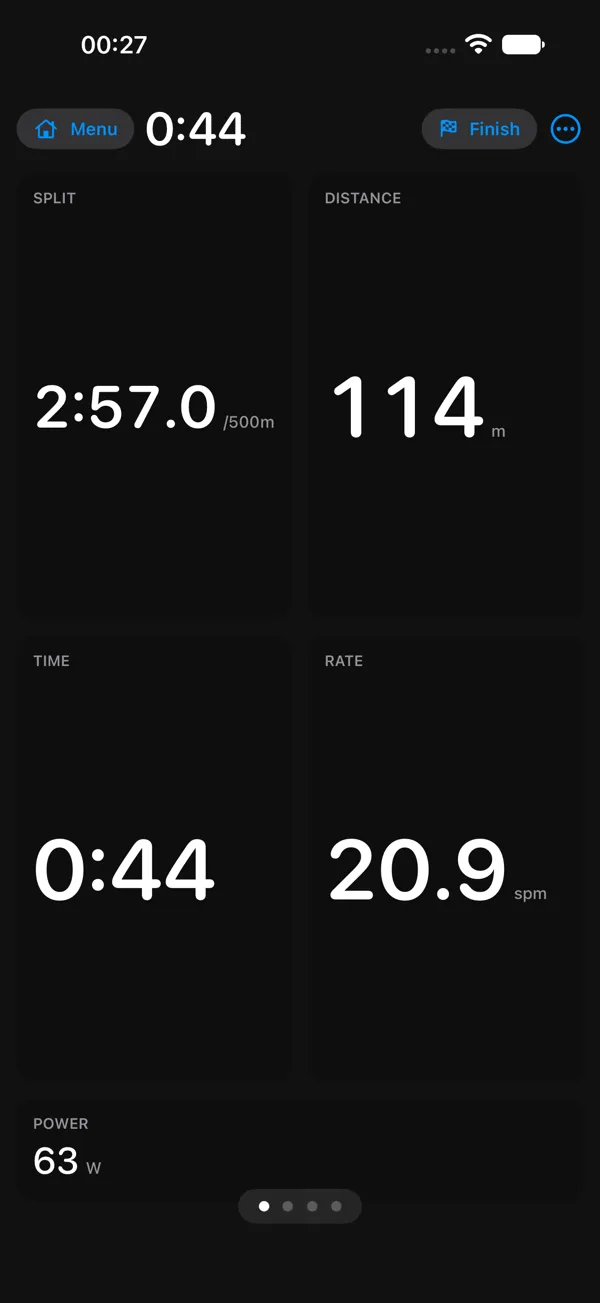
Prop it on the rail, connect the machine over Bluetooth, and row. The numbers are big enough to read mid-stroke, and they hold still while you do.
Row Smarter is in beta. The TestFlight beta is free, open to anyone, and runs on iPad and iPhone.
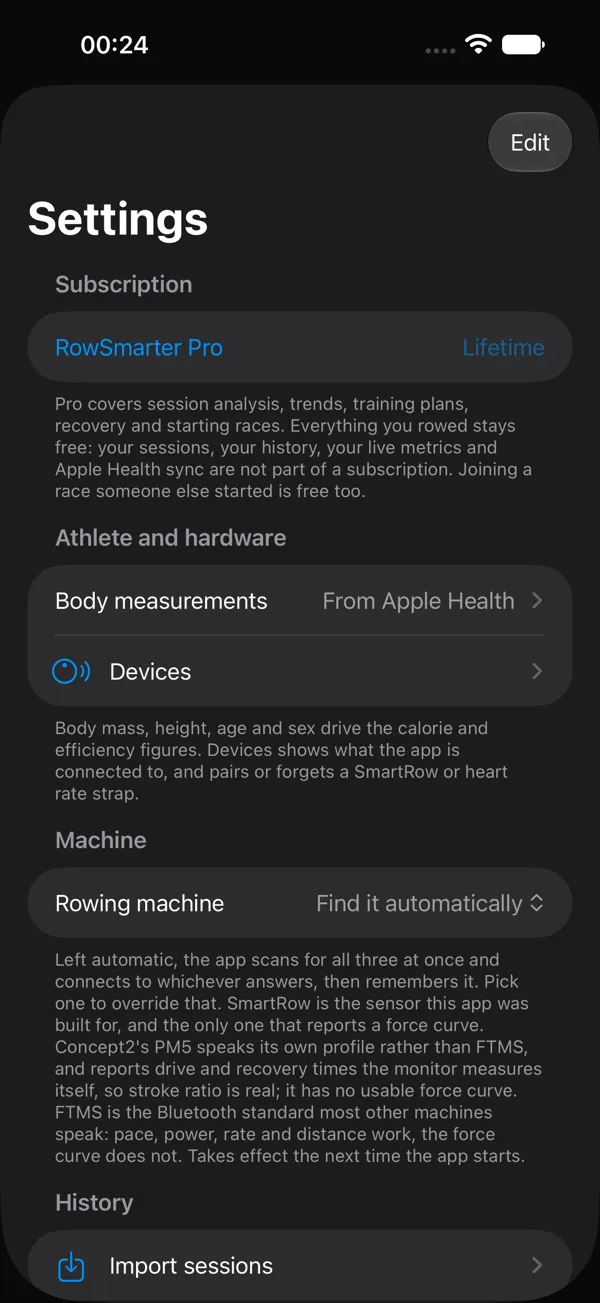
Every Pro feature is free during the TestFlight beta. To unlock Pro, you need to complete a simulated in-app purchase through Apple's purchase screen. Apple controls this test process in its sandbox environment: no money is exchanged and you will not be charged, even if a price is displayed. These test purchases do not carry over to the App Store version.
TestFlight is open to everyone while we establish that Row Smarter is stable and works well in real use. Only once that is proven will TestFlight access be limited to people who actively contribute to its development.
Racing is on. Update to the current version and you can race.
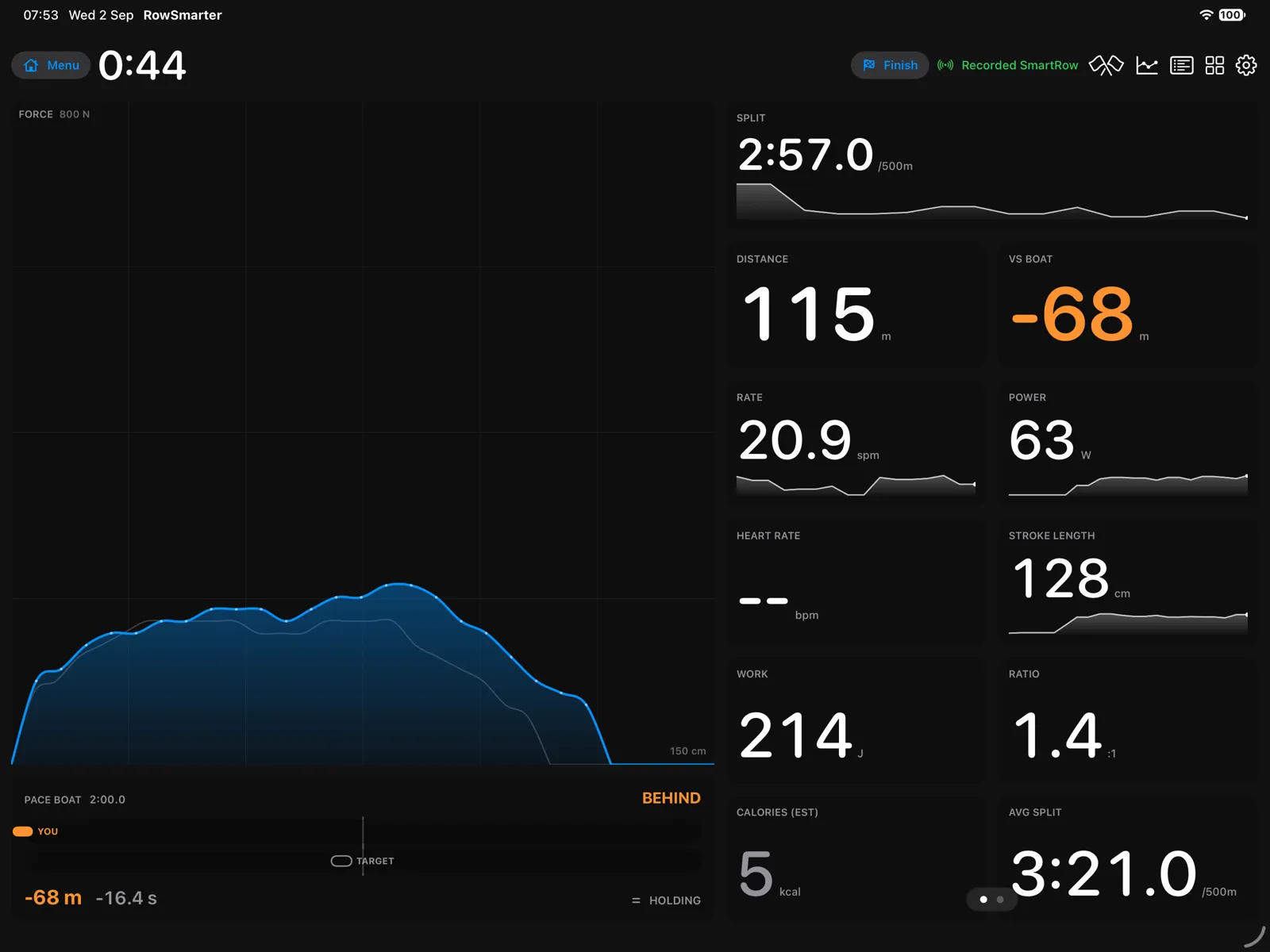
Read it from the handle
Pace, power, stroke rate, distance and heart rate, updated every stroke. Pace is per 500 metres, the way a monitor shows it. The digits do not jump around, and the screen stays on until you stop.
Set a pace boat and chase a target split, or one of your own earlier rows.
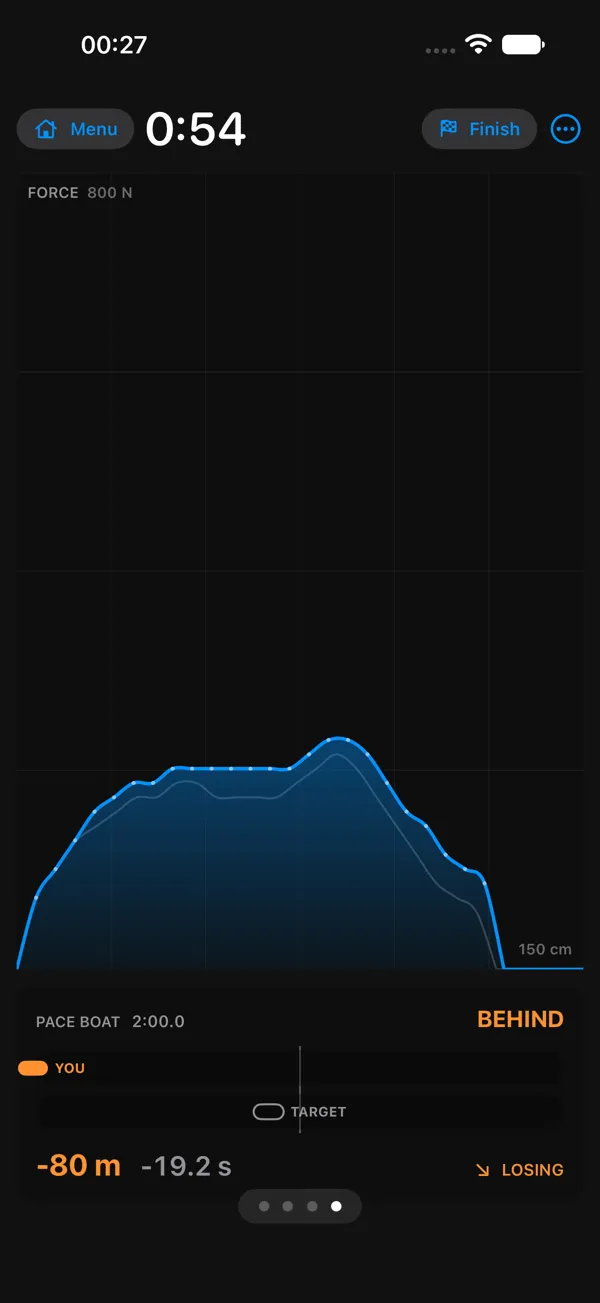
See the shape of every stroke
The force curve shows where in the drive you push hardest. A fixed scale makes it easy to compare one stroke with the next or revisit an earlier row. Force curves are available when the connected machine reports them.
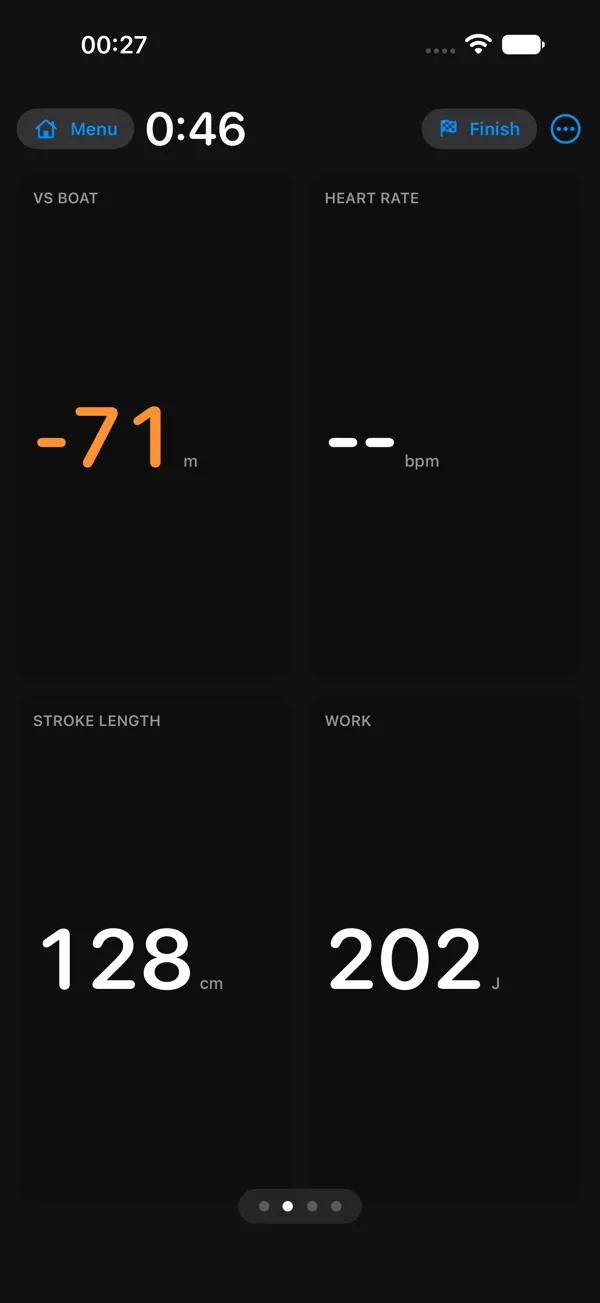
Technique, measured
See stroke length, drive-to-recovery ratio and consistency when your machine measures them. Unavailable readings stay clearly marked as unavailable.
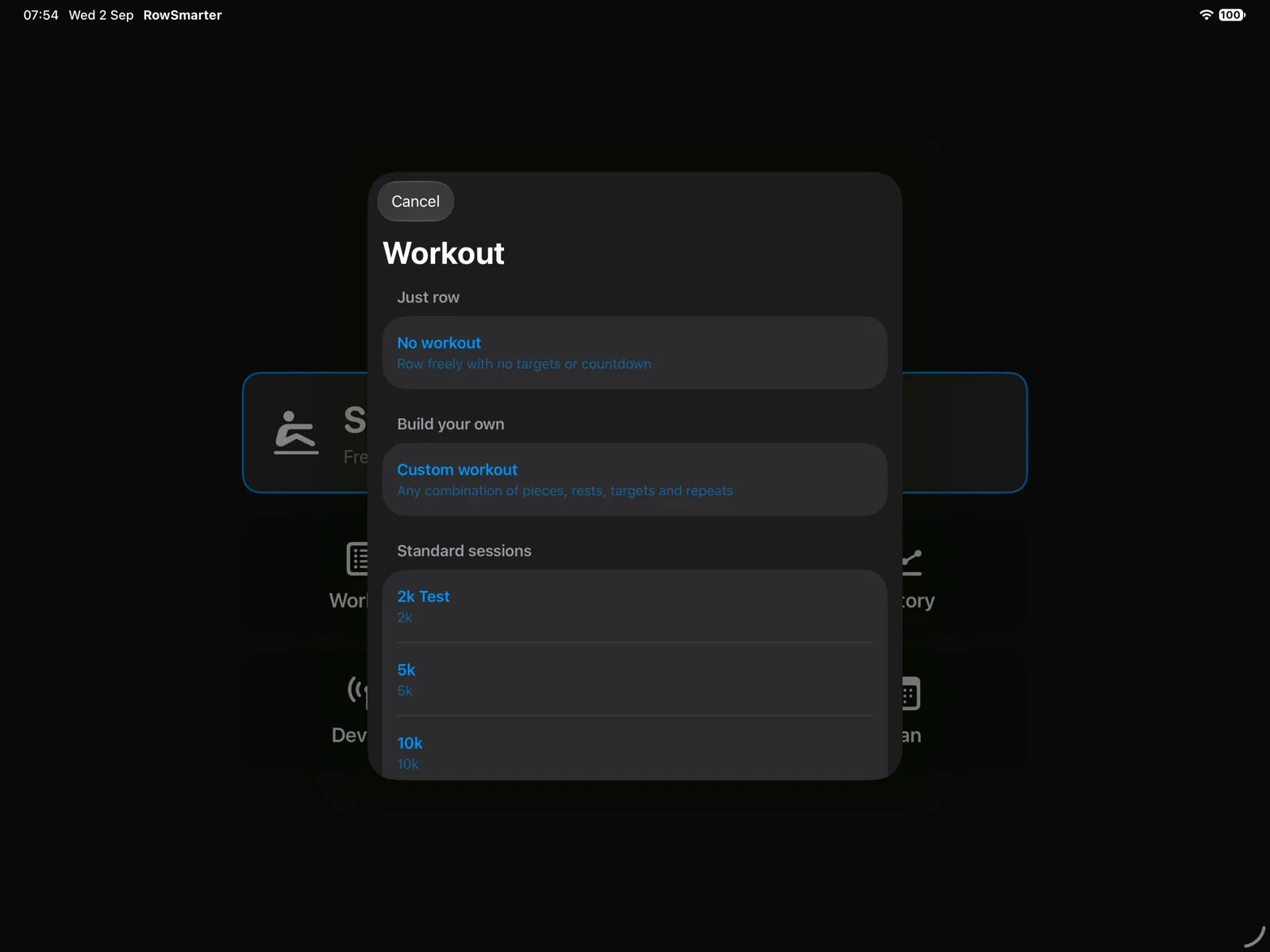
Workouts and plans that adjust
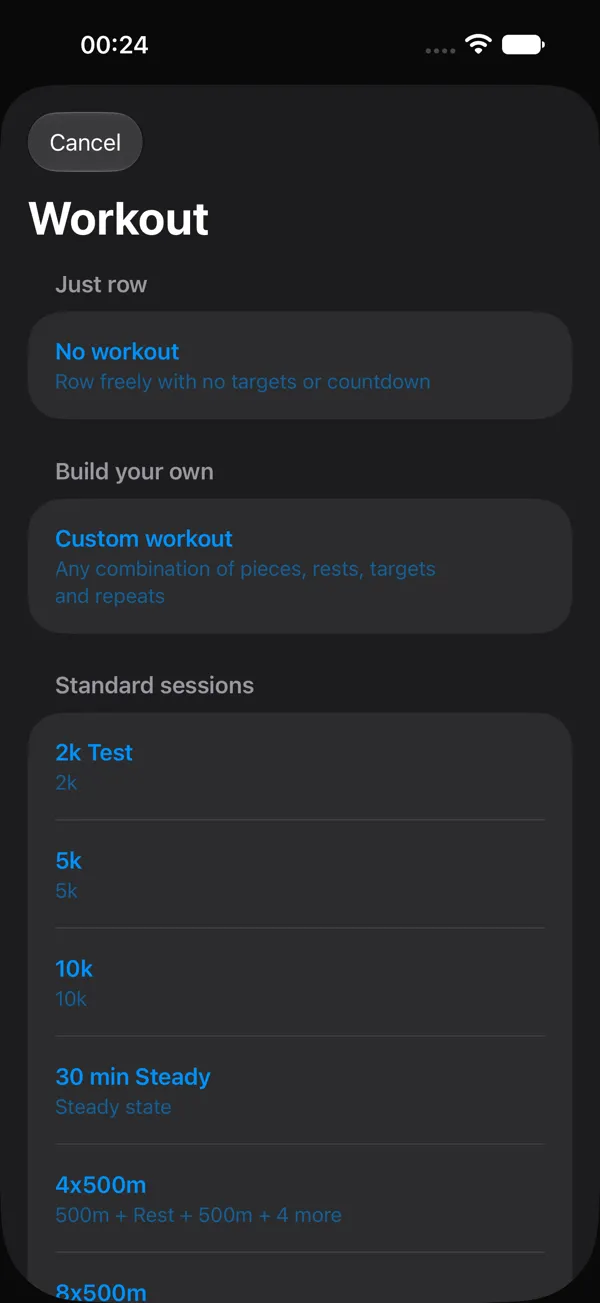
Choose from 45 workouts or follow one of eight multi-week plans, including the Pete Plan and the Wolverine Plan. Plans use completed sessions to set suitable targets for what comes next.
Live coaching helps you hold pace, power, heart rate or stroke rate targets while you row.
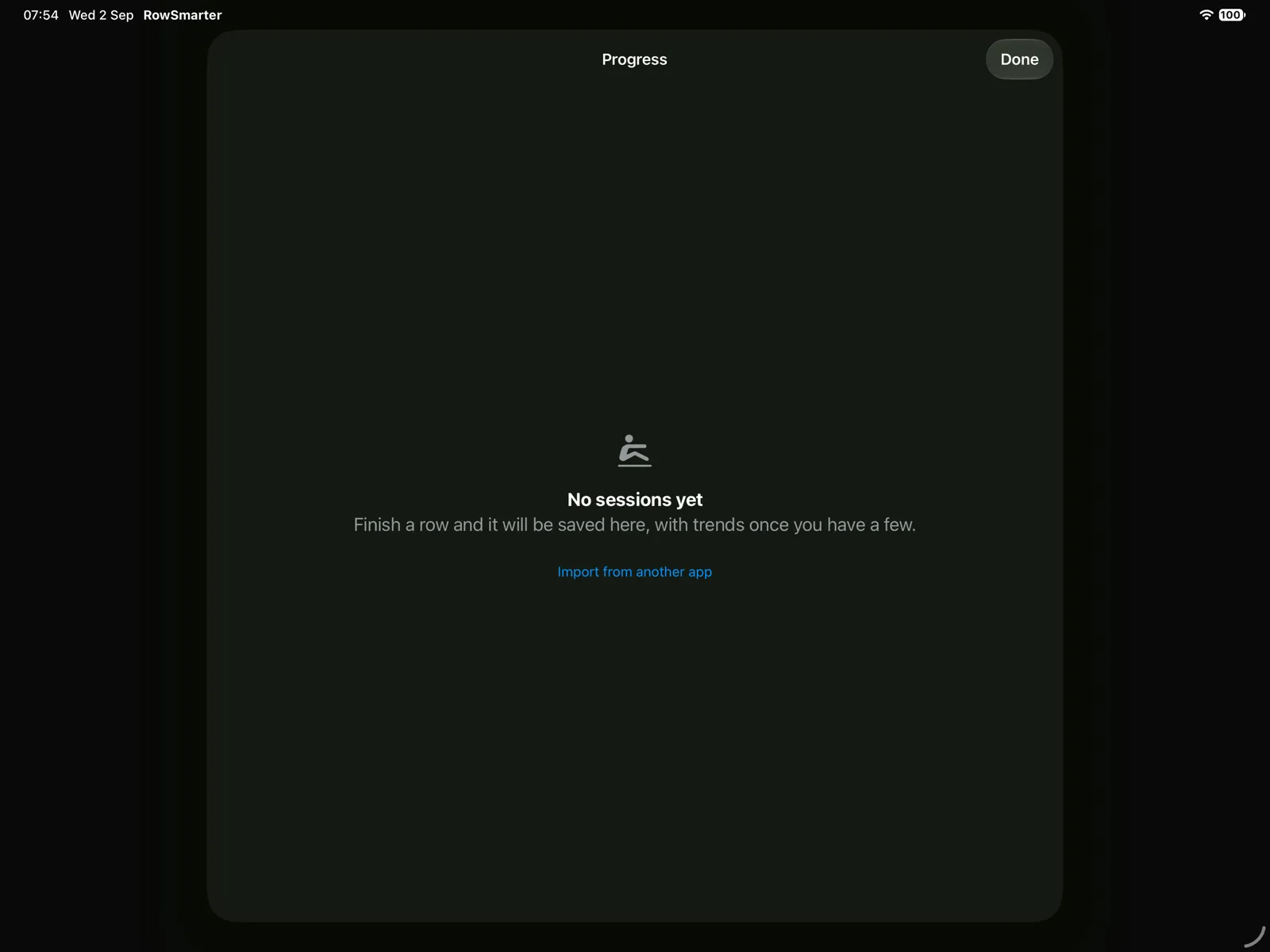
Keep your rowing history
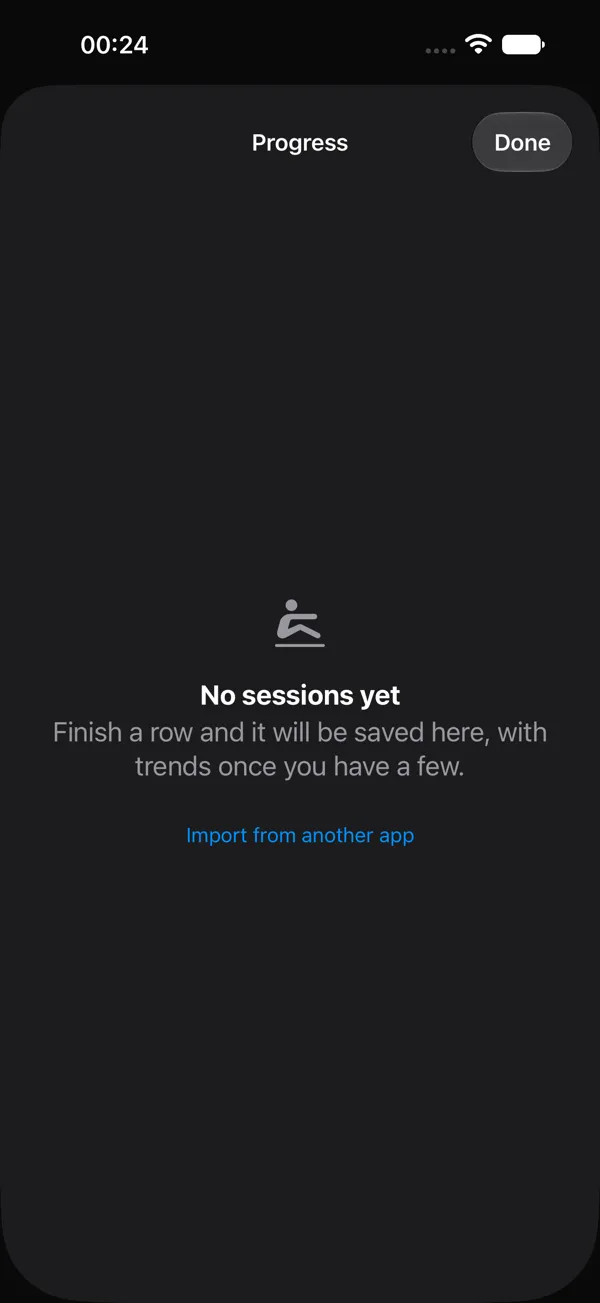
Review detailed sessions, strokes and force curves after you finish. Sessions sync between your iPad and iPhone through your own iCloud, with no Row Smarter account.
Export a complete ROWFILE/1 archive, CSV or TCX. Bring in ROWFILE/1, TCX, FIT and SmartRow CSV files.
Racing
Race a friend live, wherever you both are. Open a private race and they join with a code.
Racing is on. Update to the current version and you can race.
Works with
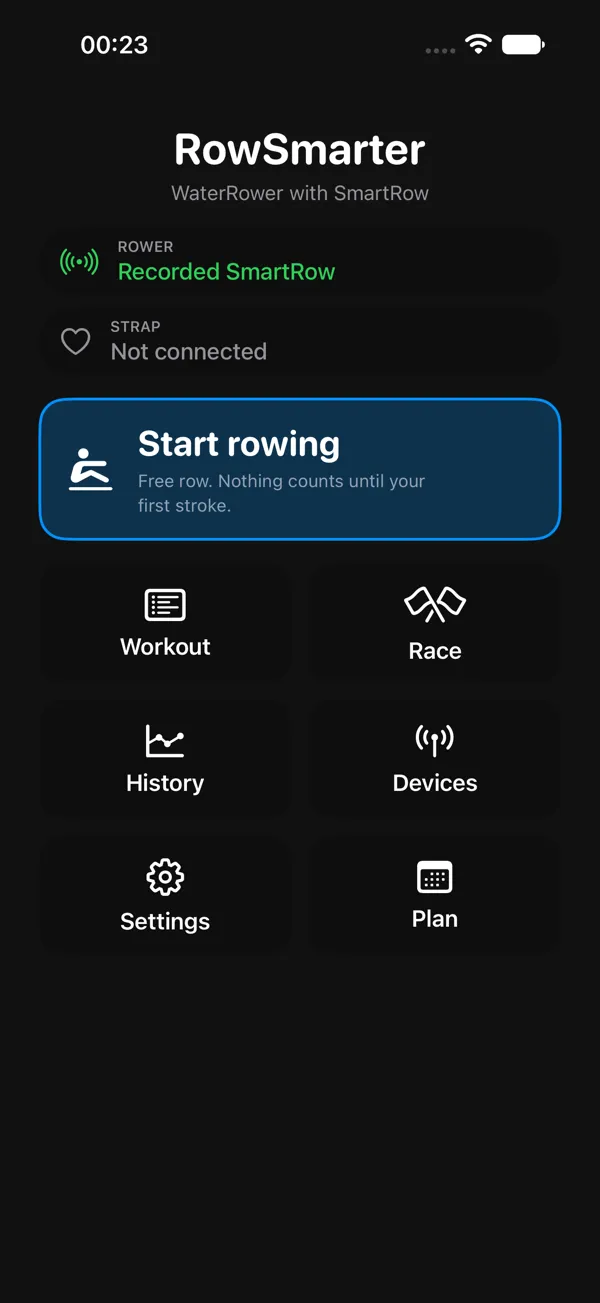
Any FTMS-compliant rowing machine, a Concept2 PM5, and a WaterRower fitted with a SmartRow sensor. Plus any standard Bluetooth heart rate strap. The compatibility guide lists what each machine can report.
Beta status
The development log records changes once they reach a beta build and always carries the current racing status.
Row Smarter does not upload directly to the Concept2 Logbook. You can export a TCX file and upload it yourself.
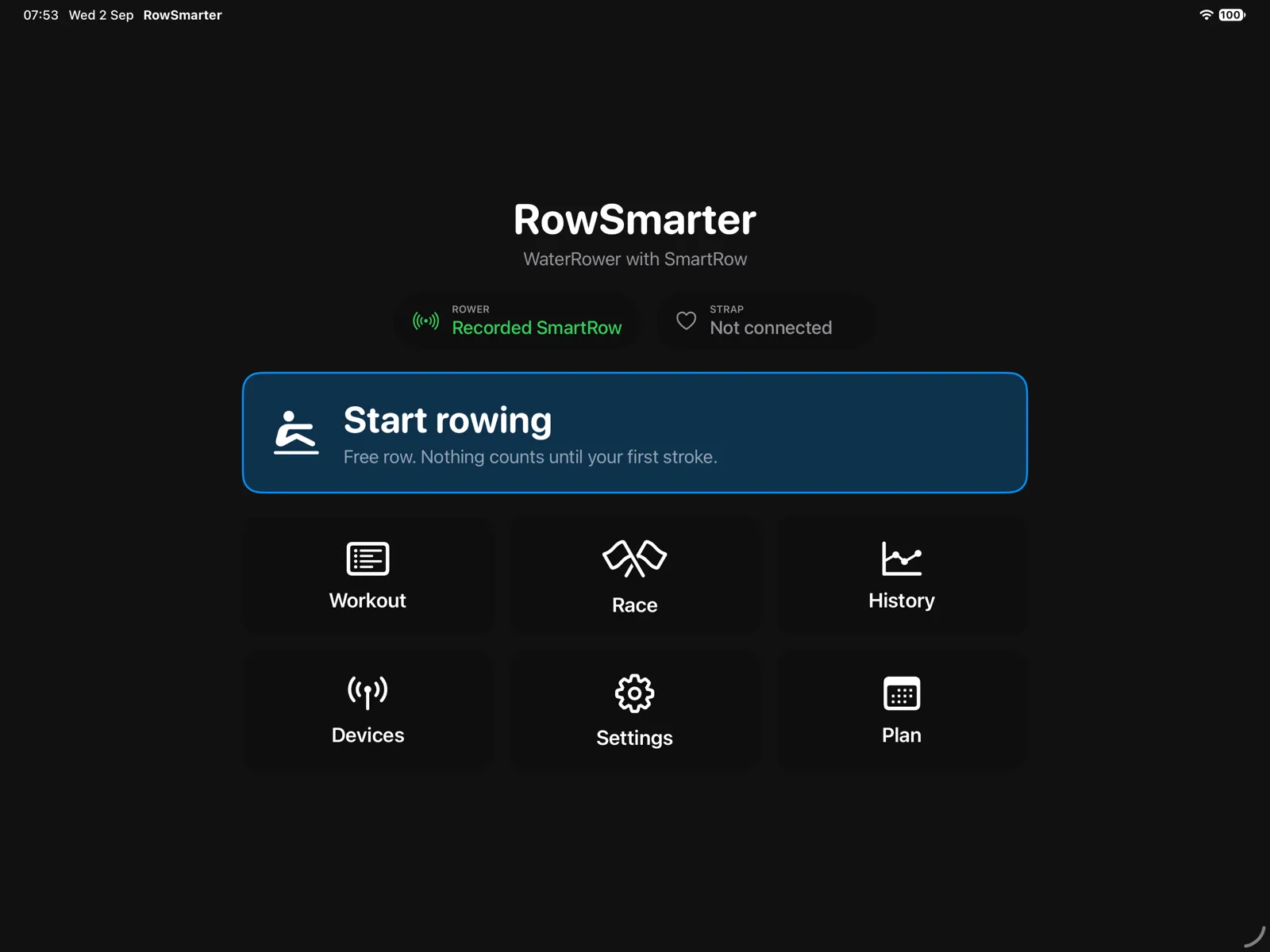
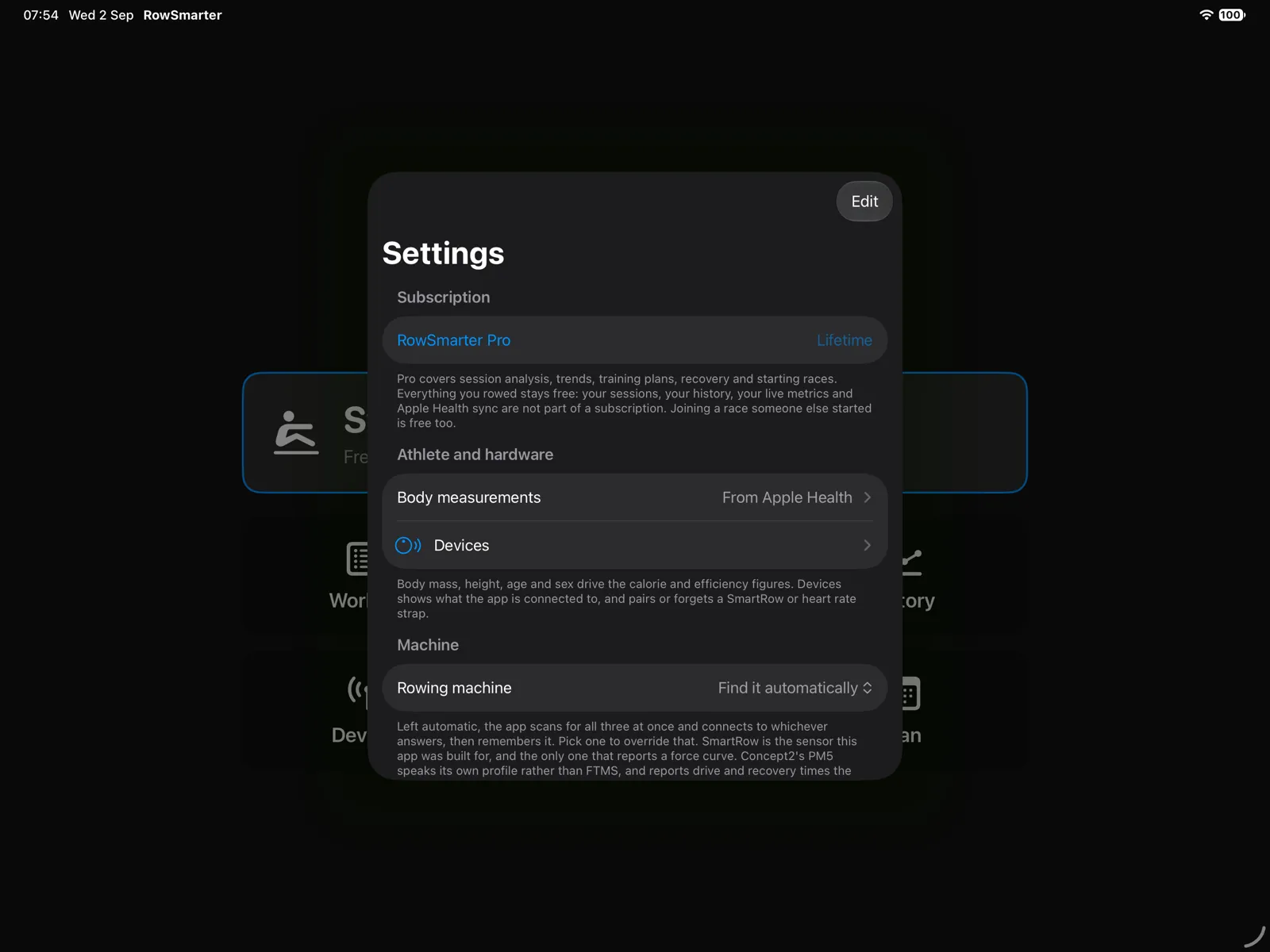
More screens
iPad
iPhone
More detail is on the questions and answers page.